
Getting started2 min read
Welcome to TutorMigo
TutorMigo helps you work through a topic, practice a skill, and understand your next step. Start with one learning goal; you can explore more tools when you need them.
Choose your starting point
Section titled “Choose your starting point”| You want to… | Start here |
|---|---|
| Understand a topic or get help with your attempt | Start a tutor session |
| Work through an equation | Math Steps |
| Organize ideas visually | Mind Maps |
| Listen to an explanation | Audio Lessons |
| Support a learner at home | Parent guide |
| Manage classroom learning | Teacher guide |
Your first few minutes
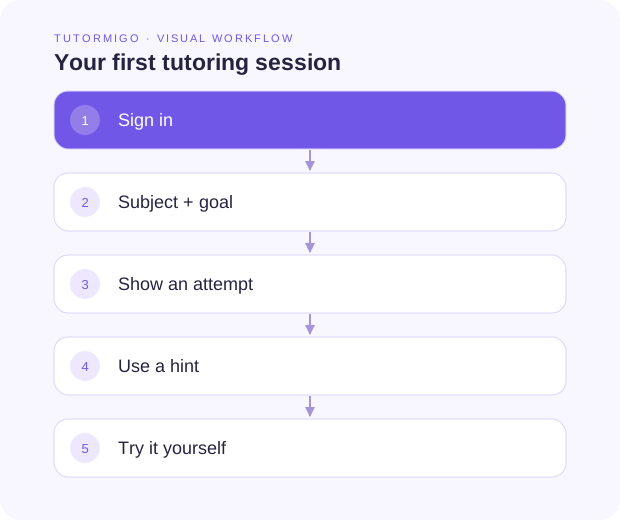
Section titled “Your first few minutes”- Sign in with the account you use for TutorMigo.
- Open Tutor and choose a subject in Study Studio.
- Choose a goal, such as Explain, Practice, or Check.
- Describe what you want to learn and include your own attempt.
- Review the explanation, then try one similar question yourself.
Find the right guide
Section titled “Find the right guide”Student screens adapt to grade level. Student, parent, and teacher accounts have different navigation and access. If a tool is missing, check your active role before assuming there is an error.
Next: Take the workspace tour.