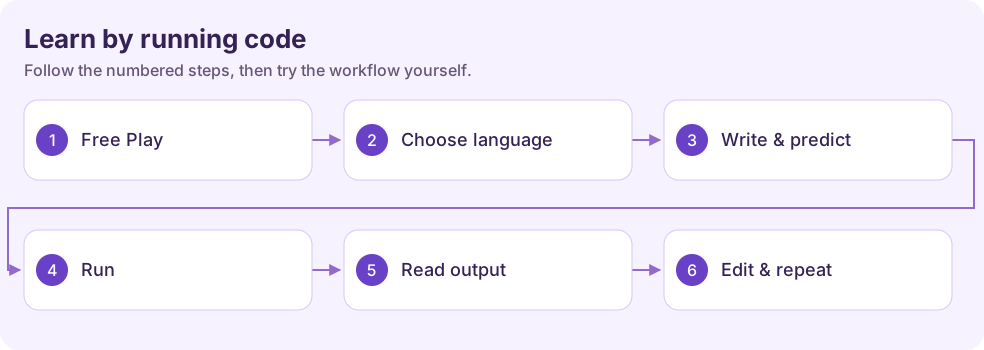
Try a program in Code Sandbox
Write a small program, run it, and compare the output with your prediction. Open Tools → Code Sandbox.
Watch the tutorial
Section titled “Watch the tutorial”Read the walkthrough transcript
1. Open the Code Sandbox
Let's make a tiny program and see what it does. Open Code Sandbox from Study Tools. We'll use Python and start with something simple enough to understand at a glance.
2. Type a small example
In the editor, we'll print a greeting, then add two numbers. Before you run it, make a prediction: what should appear in the output? That small check makes coding a learning activity, instead of guesswork.
3. Run and read the output
Choose Run. Now compare the output with your prediction. If you see an error, read the message and check the line it names. Fix one thing at a time, then run the program again.
4. Change one thing and try again
Let's change the numbers and run it once more. Watch how the output changes. You've just practiced a useful coding habit: make a prediction, test it, and explain the result.
Download video · Download captions
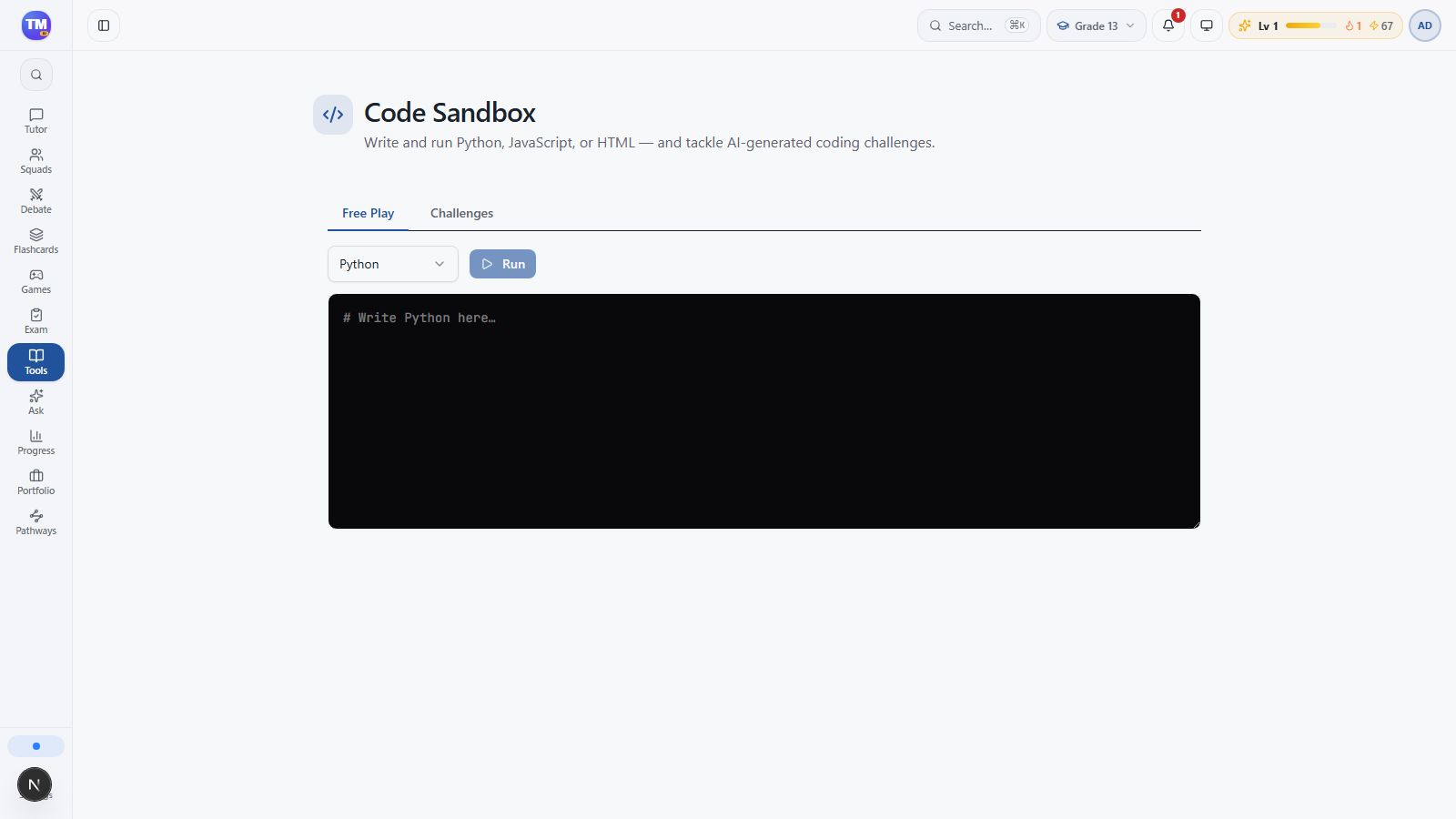
Open Free Play
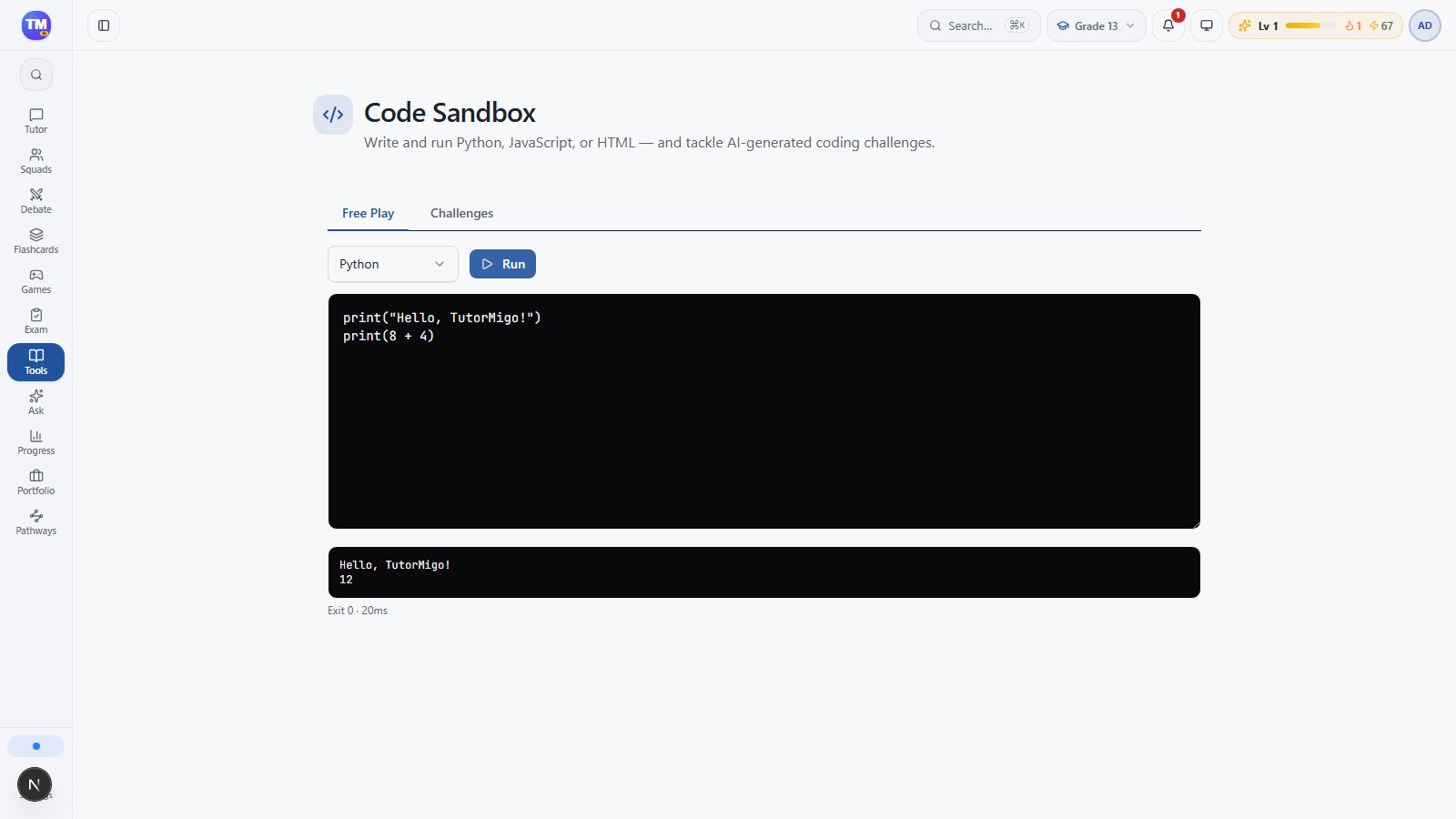
Section titled “Open Free Play”Select Free Play, then choose Python in the language selector. If you see a challenge list, switching to Free Play opens the editor.
Predict and run
Section titled “Predict and run”Enter this program:
print("Hello, TutorMigo!")print(2 + 3)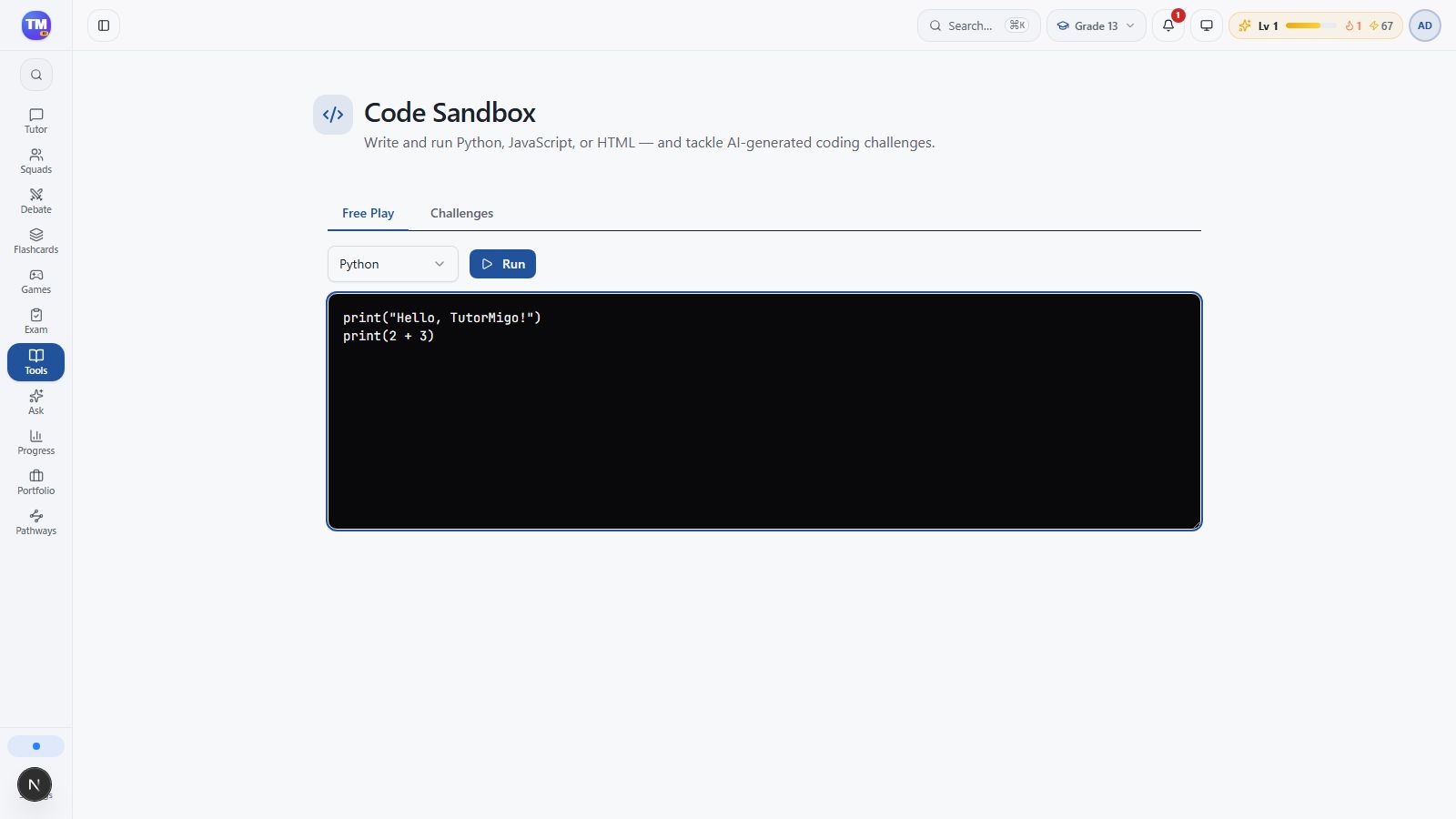
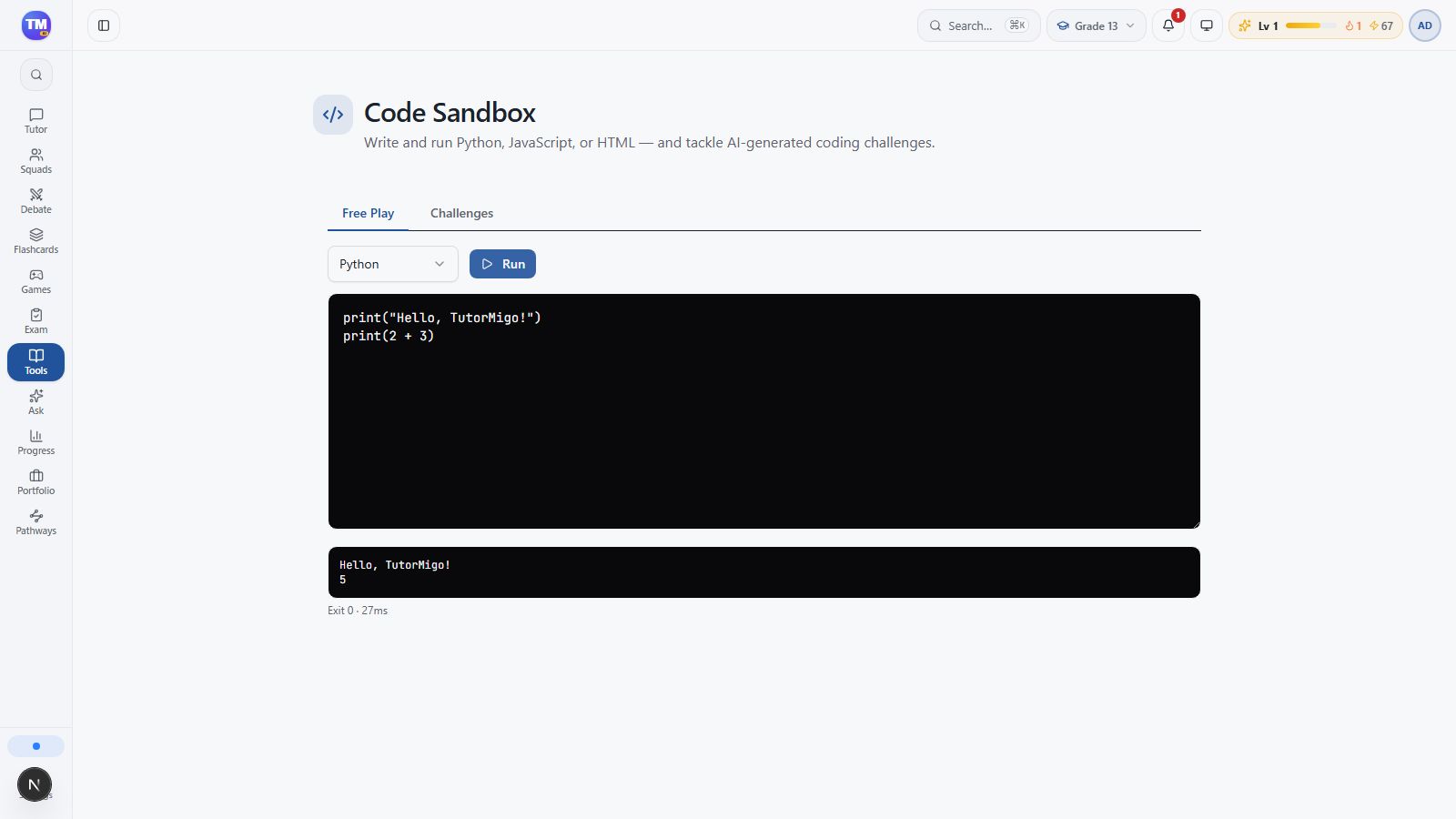
Before selecting Run, predict the two output lines. You should see Hello, TutorMigo! and 5.
Change one thing
Section titled “Change one thing”Change the second line to print(8 + 4) and run it again. The new result is 12. Keep the greeting unchanged so you can see exactly what your edit affected.
Learn from an error
Section titled “Learn from an error”Read the error text and check the named line. Look for missing quotes, spelling, or indentation. Fix one thing, then run again. Use Challenges when you want a task with a defined goal; the available languages are Python, JavaScript, and HTML.